What's new
What changed in each release, with a picture.
Version 0.3.0 13 September 2026
New folder names and settings.yaml
A quiz folder is now 1_Questions, 2_Questions_table,
3_Answers, 4_Audio, 5_Video, 6_Images
and 9_Extra - the last one for everything that is not quiz but is shown.
Where the media lives is said by settings.yaml in the root; the
mappen block is gone from the template. Table rounds now work like regular
rounds, with their own template.yaml that the editor copies from the other
one with a button. See the quiz folder.
One colour of a photo transparent
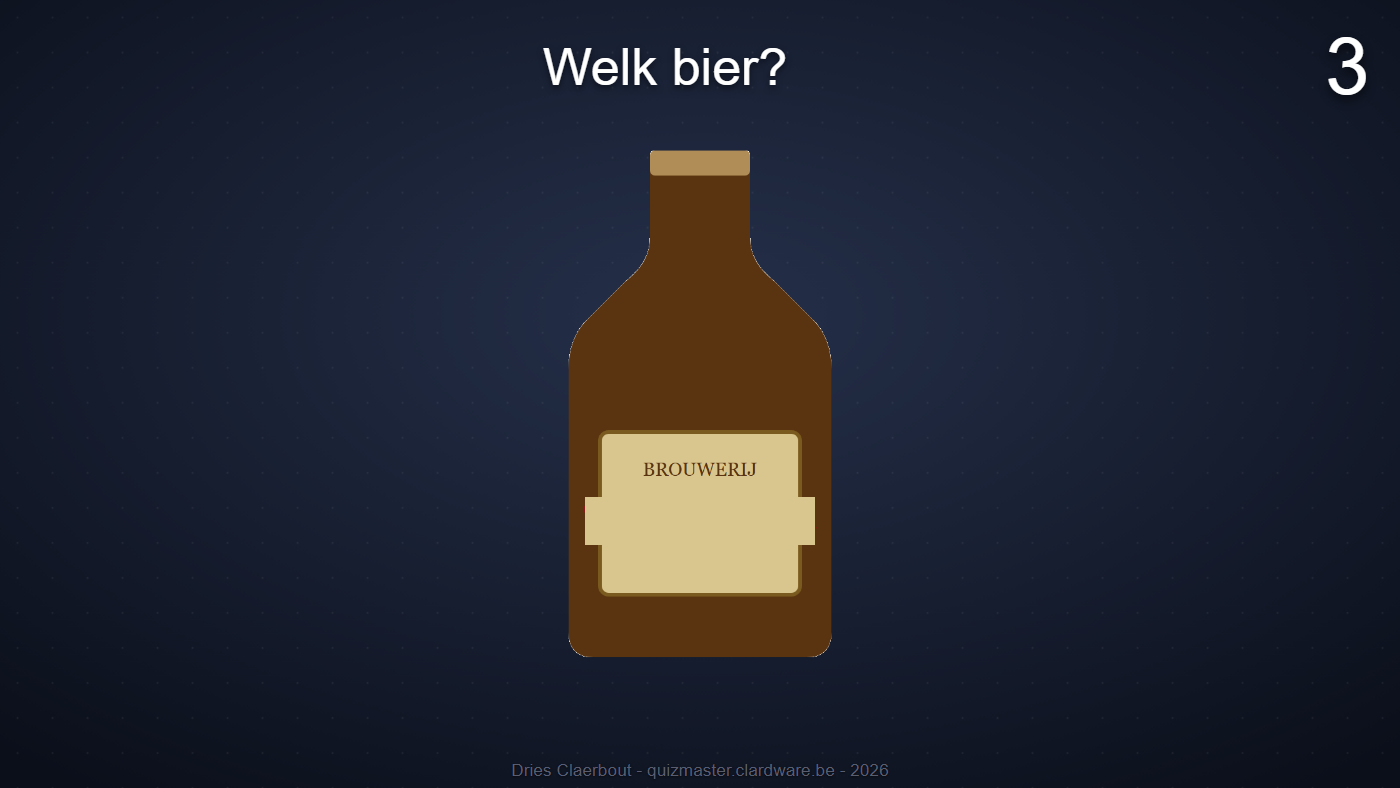
transparent_color under an image makes that colour transparent,
and tolerance says how many percent of deviation still count - so an
almost-white background with some noise disappears entirely. In the editor you pick the
colour with a pipette from the image in the preview.
The template in the editor: Title and Questions
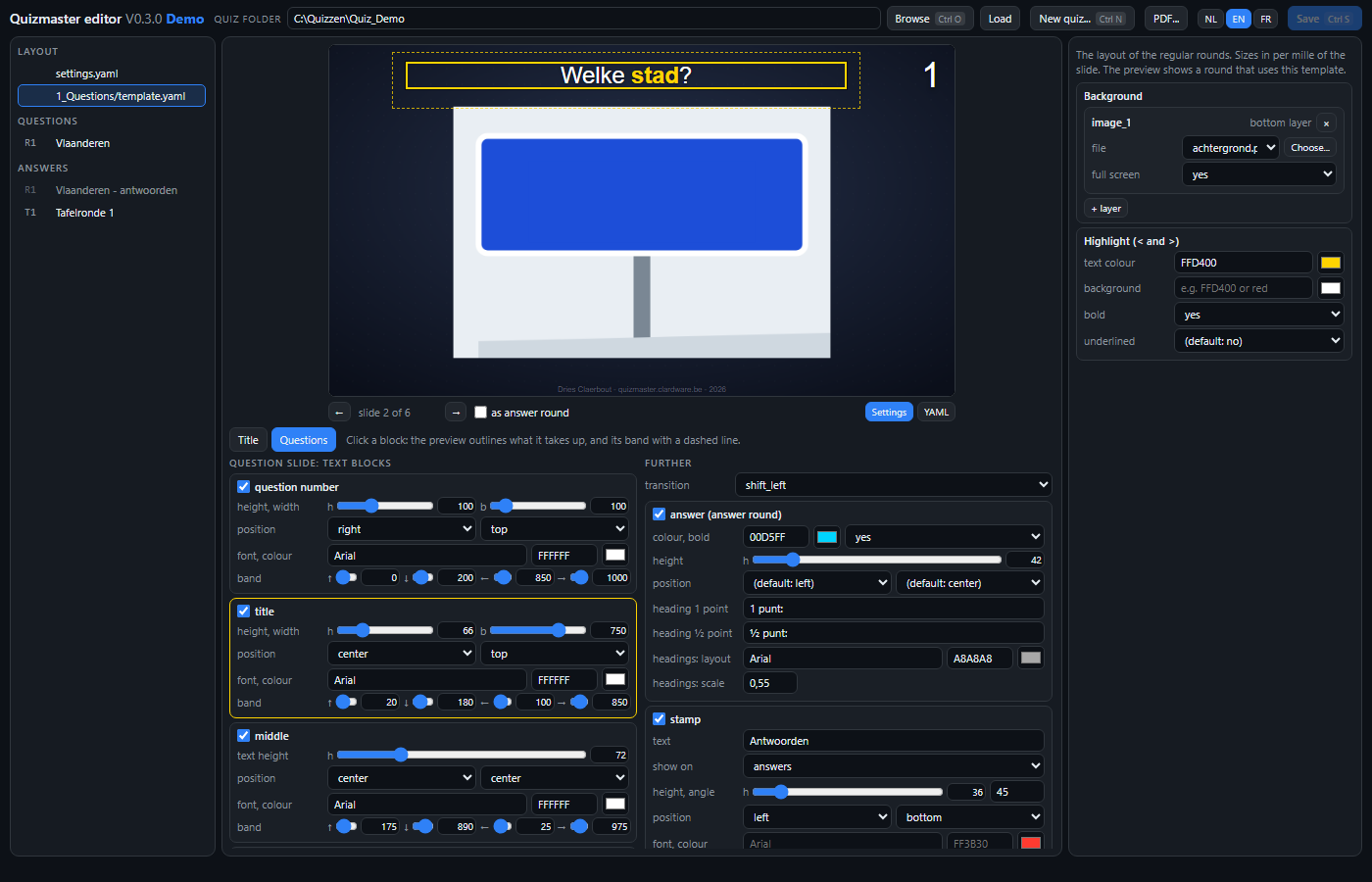
Below the preview you choose with Title or Questions which page kind you edit; the preview jumps along. Click a block and the preview draws a line around what it takes up and a dashed line around its band. Height, width, band and the size of a layer are sliders; cover boxes now count in per mille of the image, like every size in the template - existing boxes are written ten times as large.
An editor
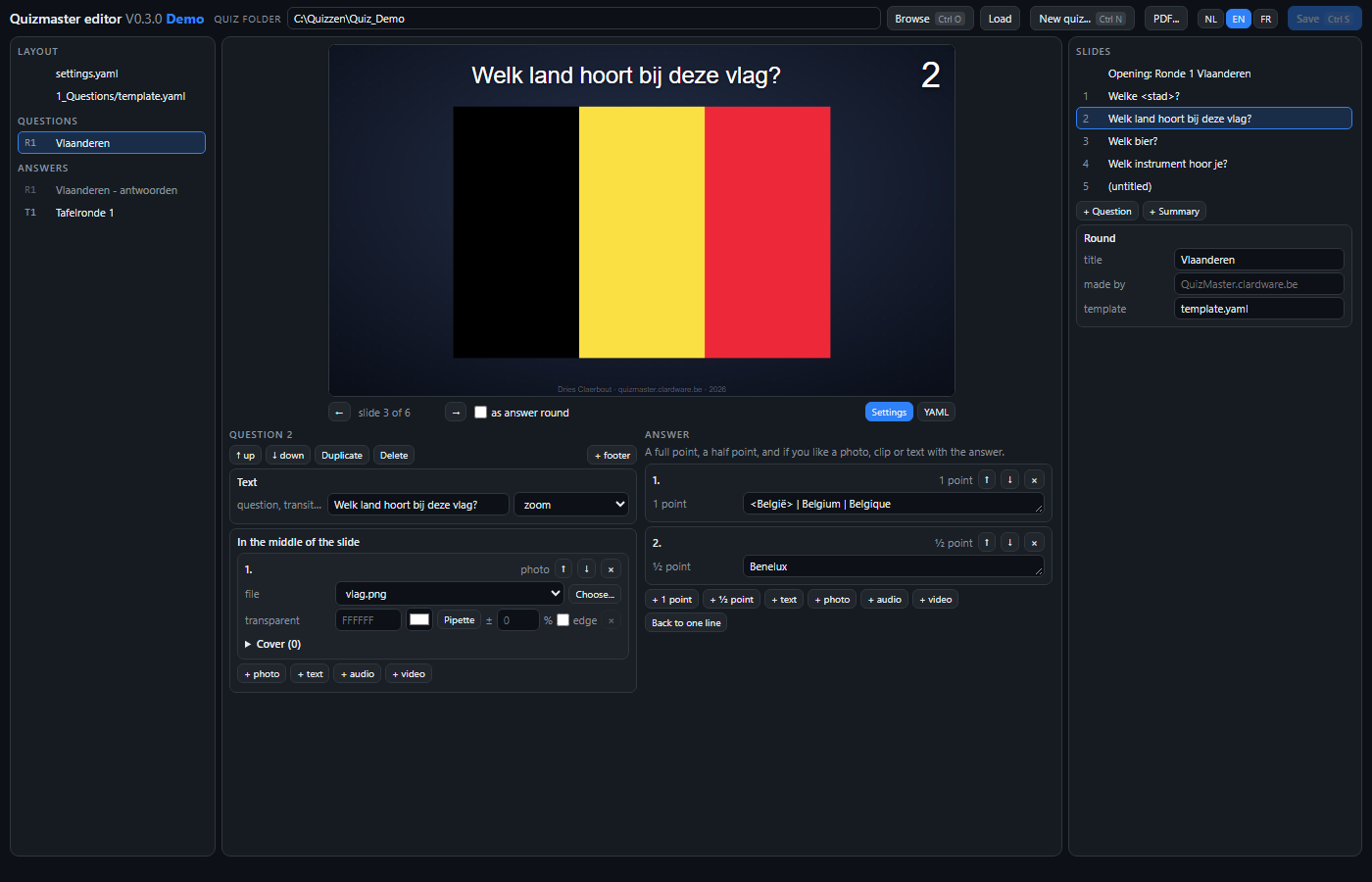
quiz-editor.exe is a second program that edits the round files and the
template graphically: per question the title, the answer, the photos and clips with start
and end, the cover boxes and the transition; in the template every text block, the
background, the answer, the stamp and the highlight. The preview is the same audience
window as on the projector and follows every change. See the
editor.
YAML only
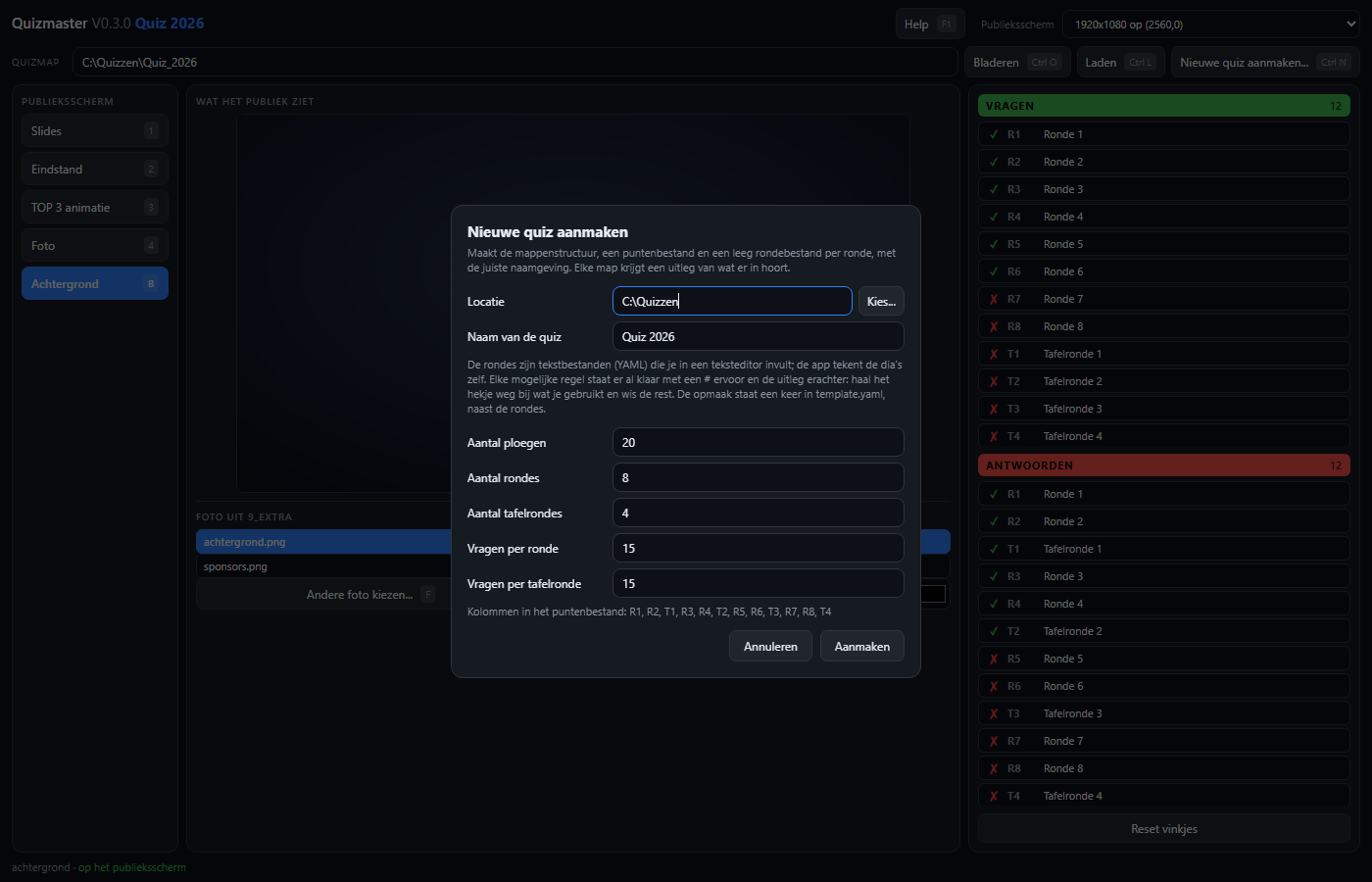
PowerPoint support has been removed. A round is now always a
round file; the app no longer starts Office, no
longer captures a window for the preview box and has nothing left to clean up on exit. The
preview box now always shows the same page as the projector, slides included. A quiz folder
that still contains .pptx files loads fine, but those files no longer appear in
the list.
Version 0.2.0 11 September 2026
A stamp on the slide: "Answers"
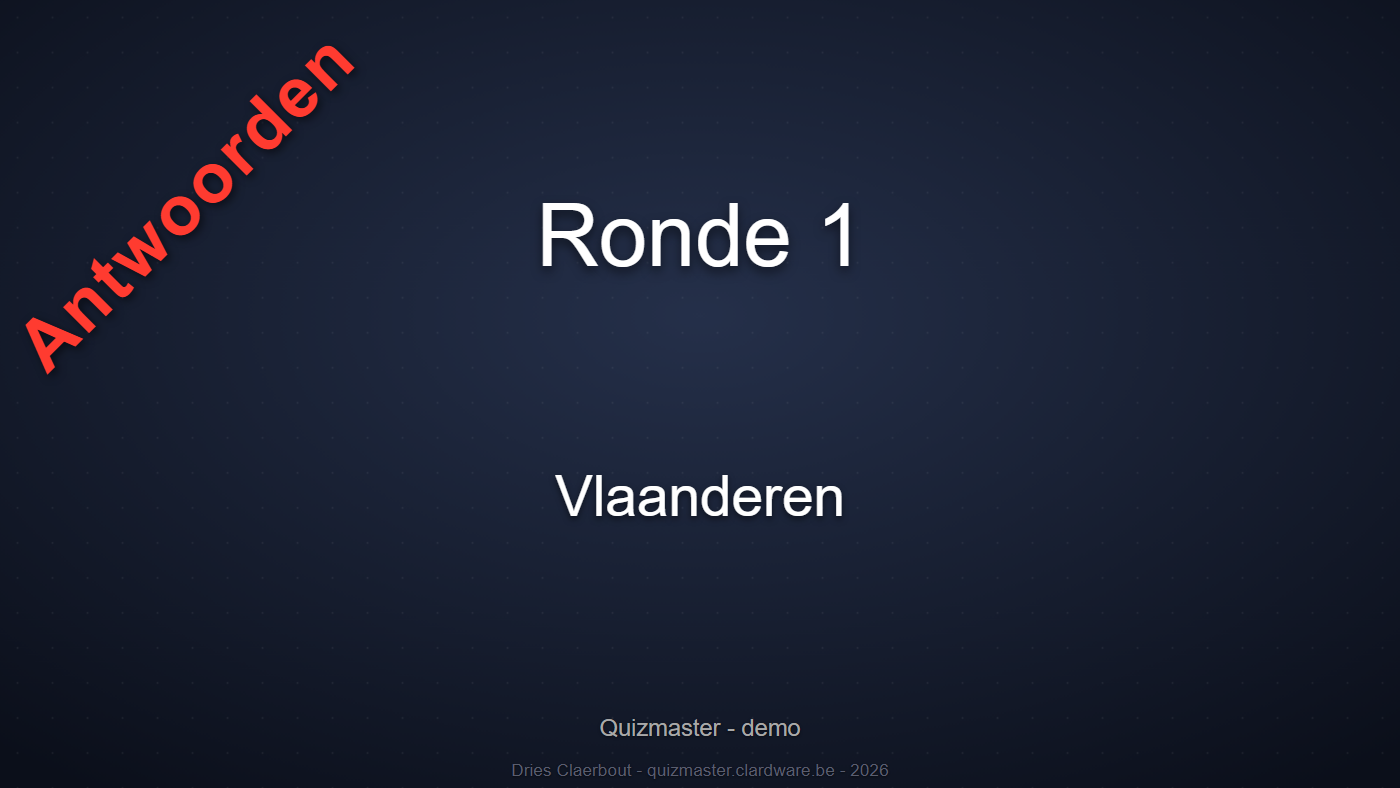
stamp in template.yaml puts a fixed text on every slide of a page
type, at an angle if you like. What it is for: a big red Answers on the title slide
of the answer round, so everyone can see the answers are starting - and you never show the
answers by mistake when you meant to show the questions. With show: answers the
stamp belongs to that round only; the text rotates around the corner it is anchored to, so it
can sit right against the edge.
title_page:
  stamp:
    text: Antwoorden
    show: answers
    text_color: FF3B30
    angle: 45
    position_x: left
    position_y: bottom
    area: { top: 0, bottom: 490, left: 42, right: 600 }
Highlighting part of a text
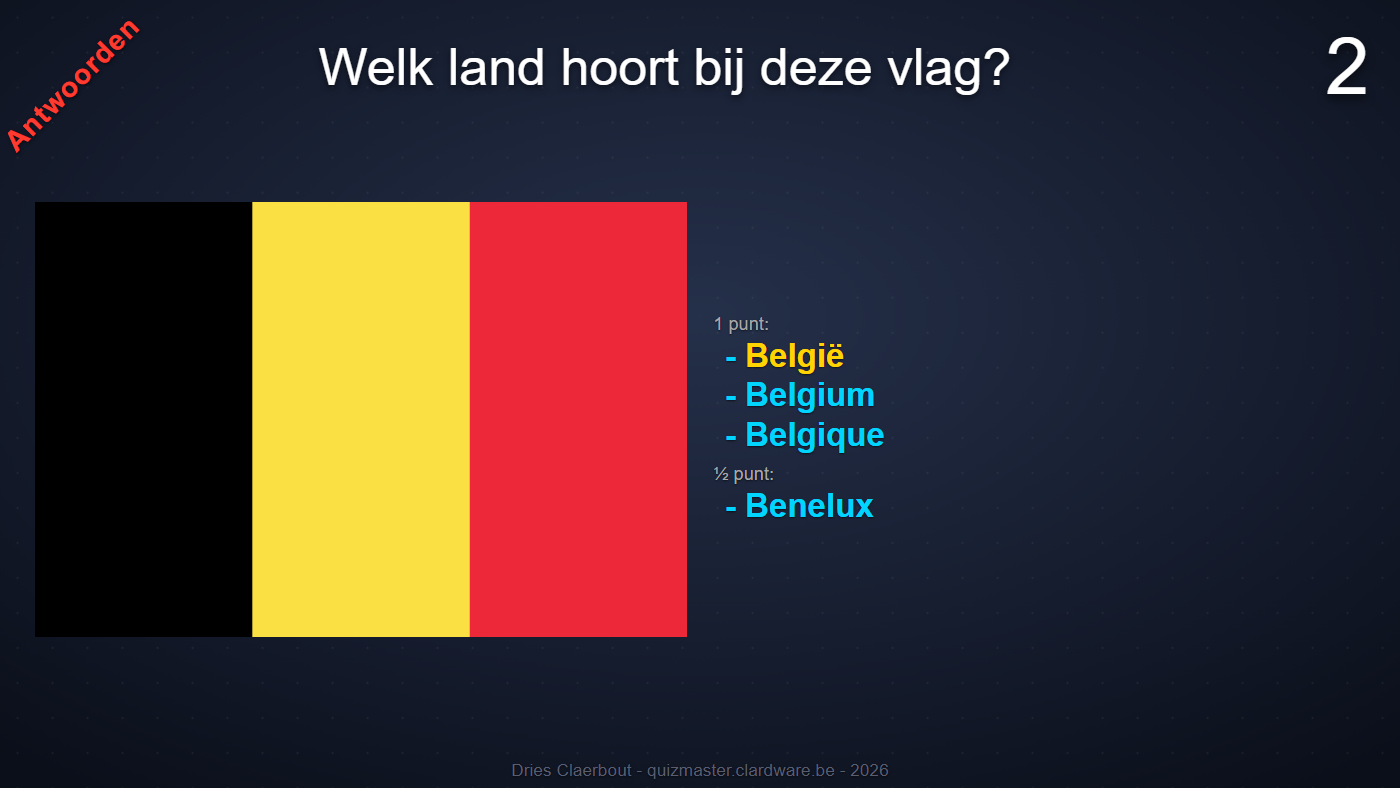
<België> in the answer lights up in the colour of highlight; it works the same in the title.
Whatever sits between < and > in a round file lights up in
the colour of highlight from the template - yellow and bold by default, with a
background block if you want. It works in the title, the answer, loose text and the footer.
A < or > without a partner simply stays, so
3 < 5 reads as written.
Covering part of a photo or video
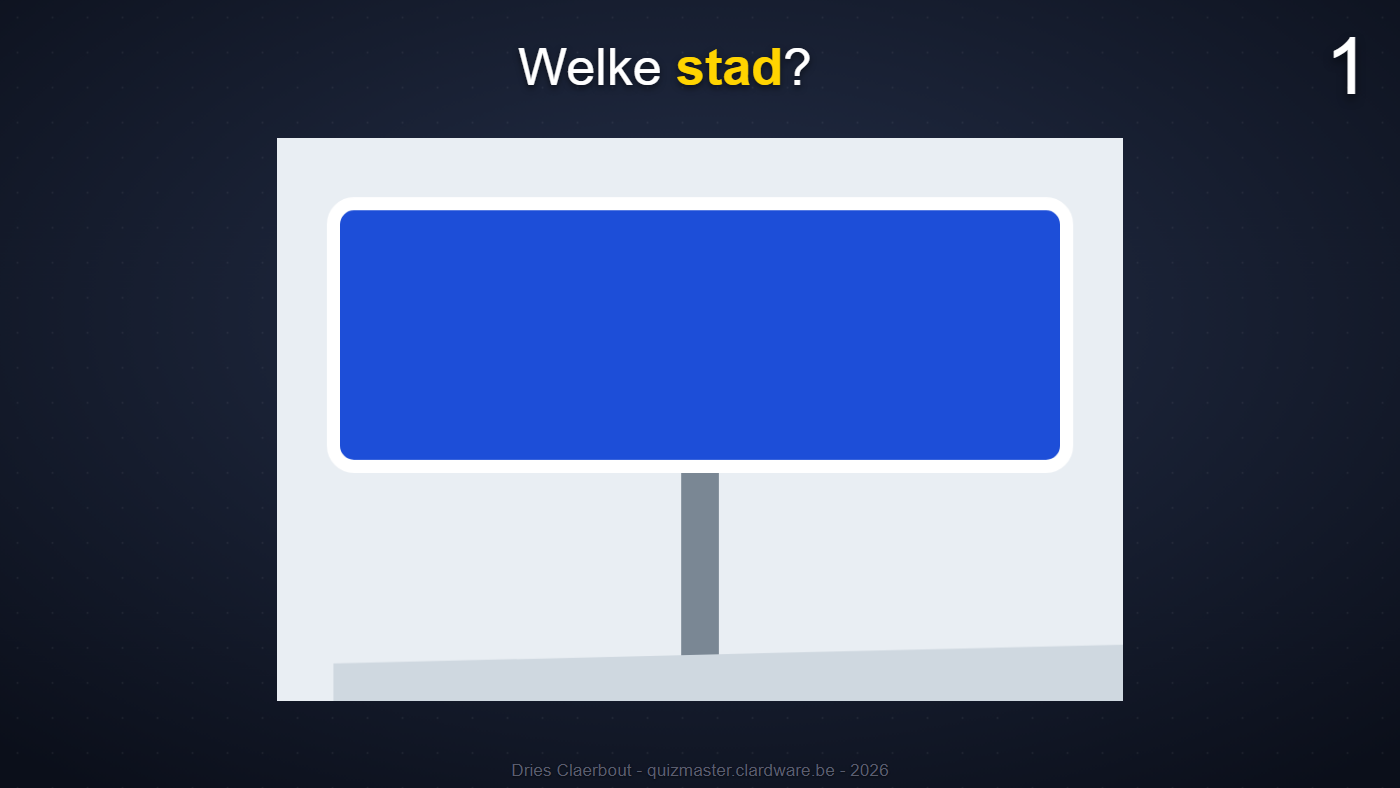
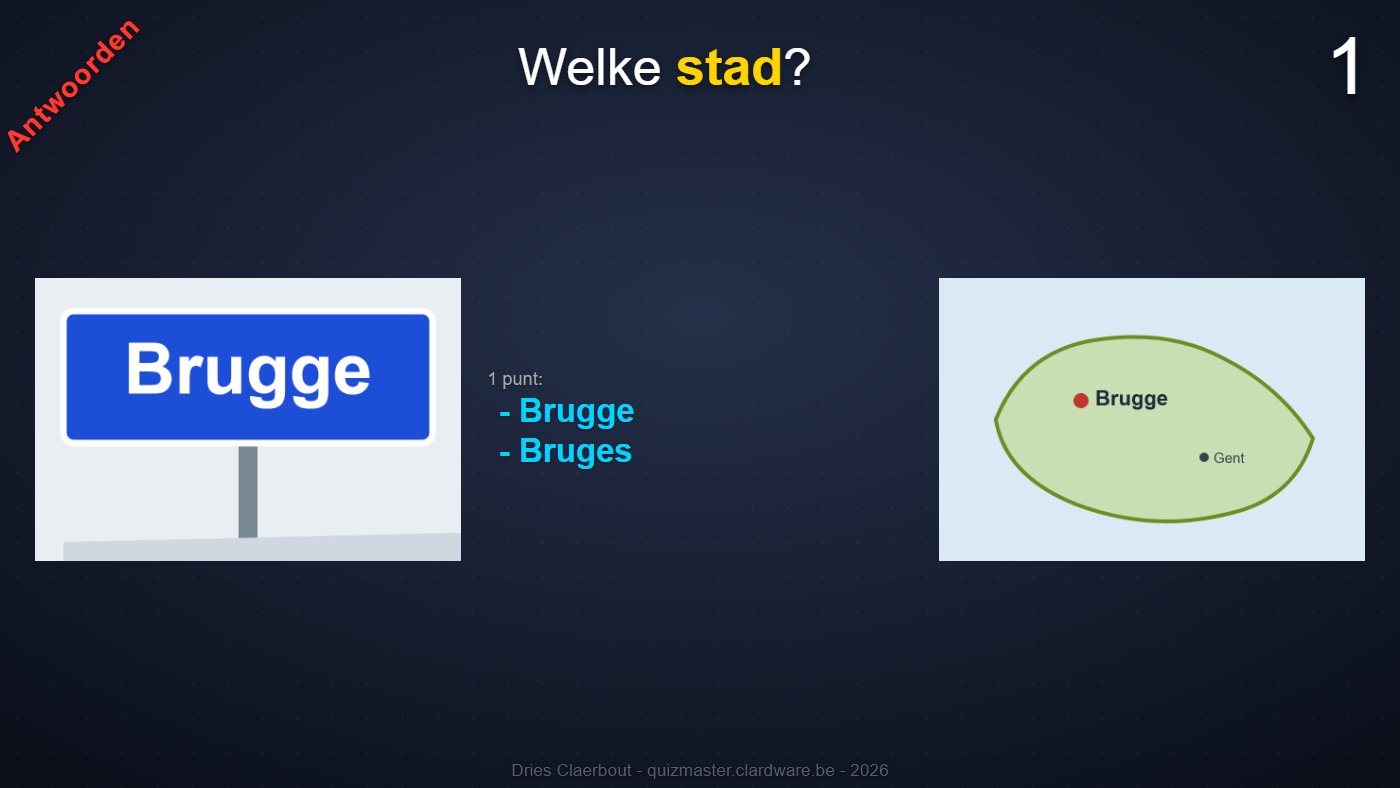
hide under an image or video lays a box over it, in
per mille of the picture itself (percent up to 0.3.0) - one box or a list of boxes, with a colour. On the answer
round it disappears, unless in_answer: yes.
Transitions between slides
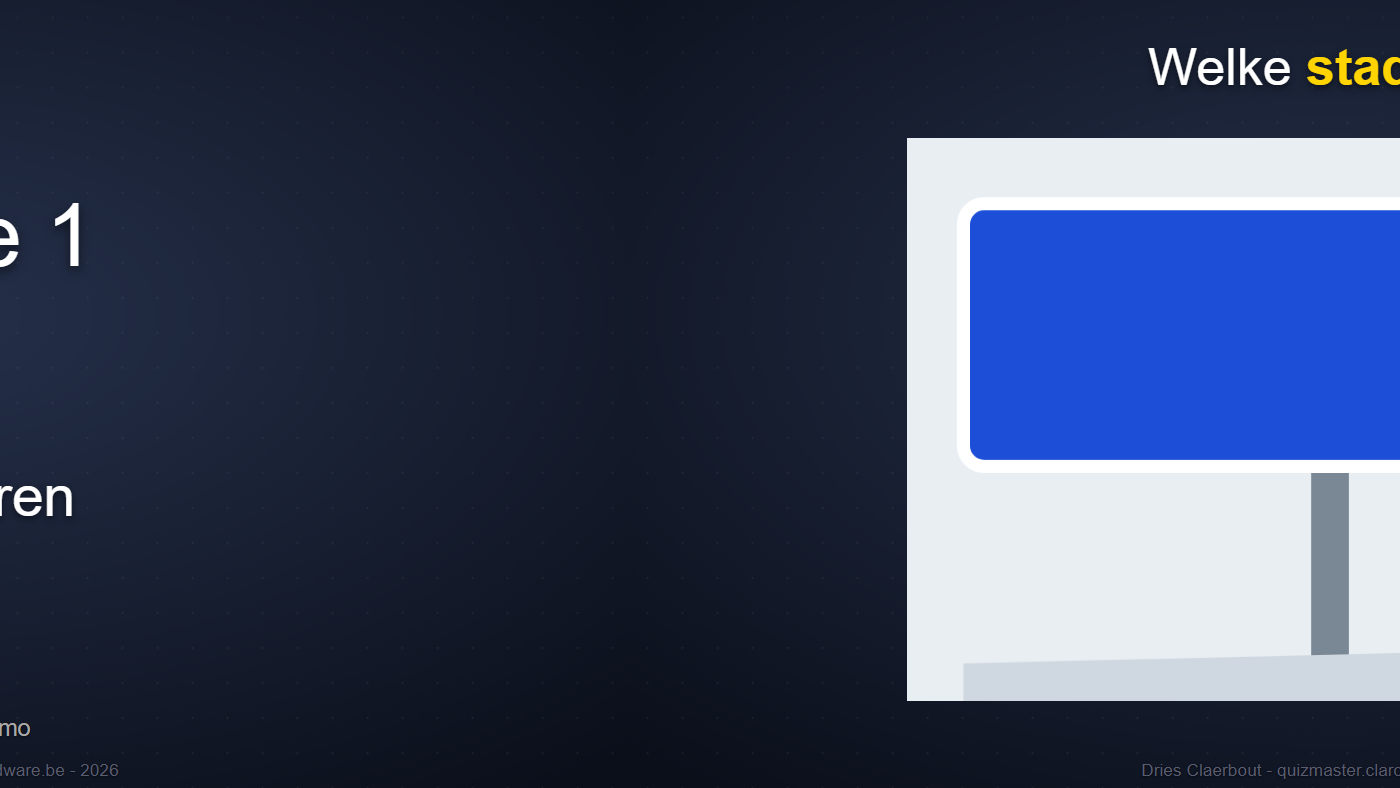
shift_left.
animation on a question - or for all slides in the template - lets a slide
slide, fade or grow in: fade, shift_left,
shift_right, shift_up, shift_down, zoom.
Going back never animates.
Clips and covers on the answer too
start, stop and hide now also work on a
video, audio or image that sits under
answer. A video clip next to the answer can be trimmed and covered just like one
in the middle of the slide.
Completion in VS Code without any setup
The app puts the schema files next to the round files and adds a reference to them at the top of every YAML file, with a note on what to install. Open the quiz folder in VS Code with the YAML extension by Red Hat and it completes the keys, shows the explanation under your mouse and underlines whatever is wrong. This happens when you create a quiz and every time you open a quiz folder, so an older quiz folder keeps up automatically.
Smaller things
- The watermark at the bottom of every slide now reads Dries Claerbout - quizmaster.clardware.be - <this year>.
- A footer stays above the watermark; they used to run through each other.
- A slide consisting only of text lines - the answers of a table round - did not get the watermark; now it does.
Version 0.1.0 4 September 2026
-
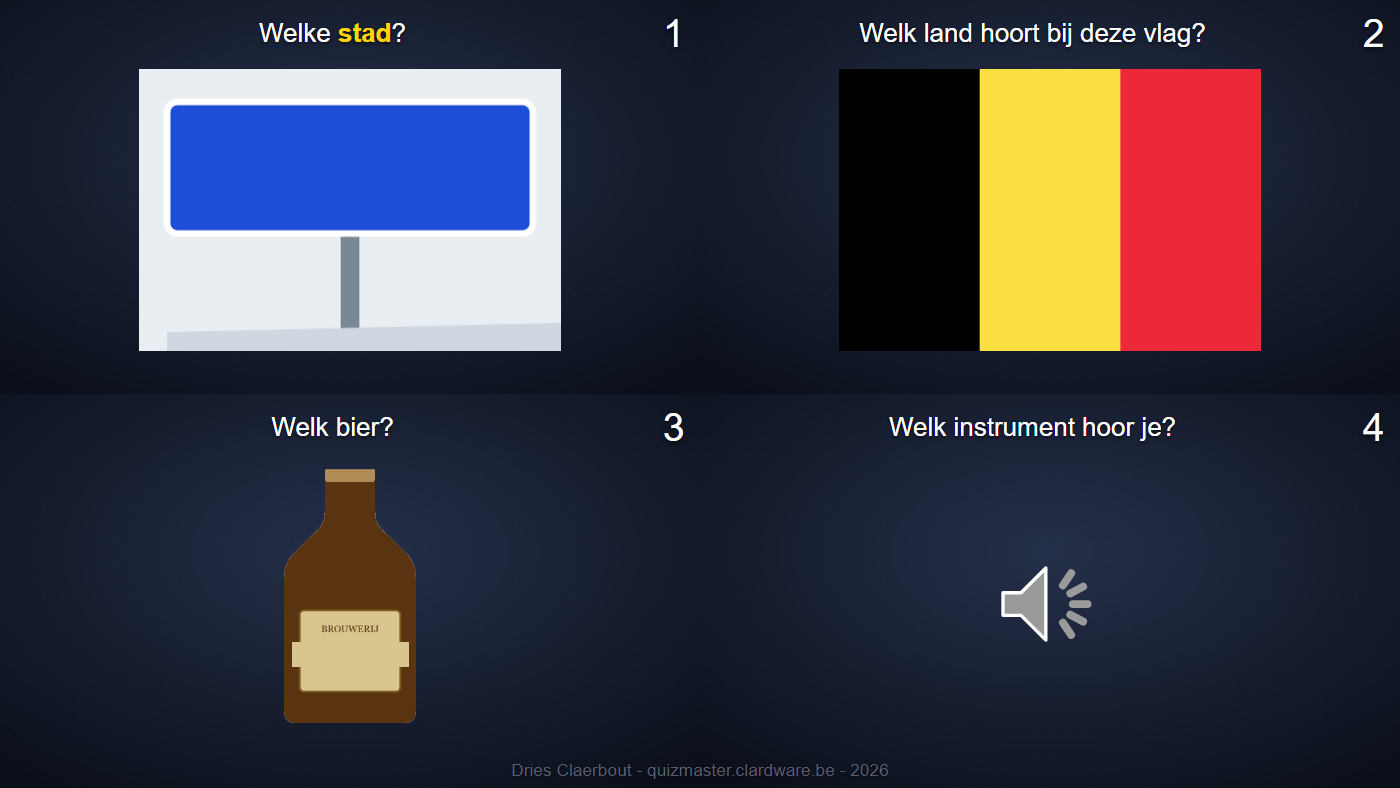
A closing slide showing all questions together (
summary), each as a full slide to scale in a square grid; on the answer round with their answers. - A watermark at the bottom of every slide from YAML.
-
The standings get a background of their own: a photo from
9_Extraor a colour, independent of the background screen. - The colour picker of the background screen sits next to the buttons.
- Help inside the program (F1) and a history behind the name at the top left; both are built into the executable.
- Rounds in YAML next to the presentations of that time: the round file, the template, the answers as a block of their own, audio and video with a start and an end, table rounds as a list.
- Setting up a new quiz from the app, with every key prepared and explained.
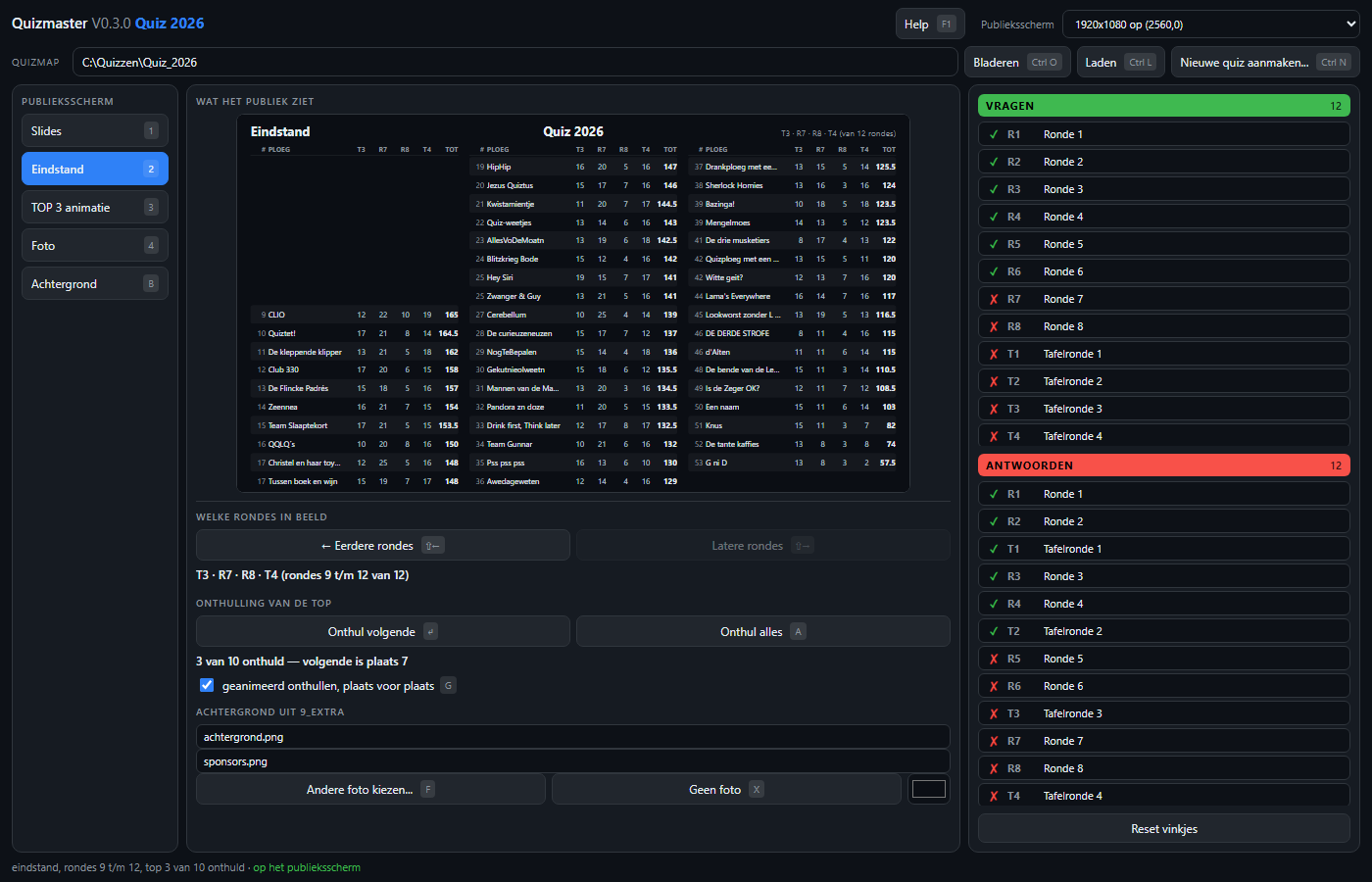
- The standings, the podium with the top three, the photo with the countdown clock and the idle image.